
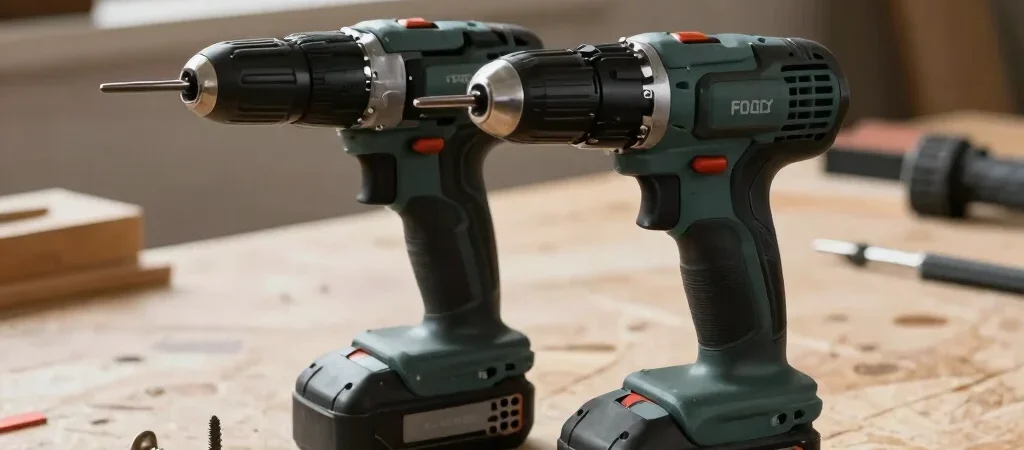
You’re halfway through assembling a workbench when a long screw starts resisting, and the tool in your hand suddenly matters. A drill/driver and an impact driver can both drive screws, but they do it differently—and neither is automatically the better choice for every DIY project.
Start With the Holes
A drill/driver is the more flexible starting point for many home projects. Its chuck accepts a wide range of bits, and its clutch can help limit how much force it applies when you’re driving screws into cabinet parts, trim, or other materials where overtightening is a concern.
If your plan includes drilling pilot holes, making larger holes with compatible bits, and driving occasional screws, a drill/driver covers those jobs with one tool. Check that the model’s chuck and specifications suit the bits you expect to use; a long list of included accessories matters less than compatibility with your actual work.
When Impact Helps
An impact driver is designed primarily for driving fasteners, using rapid rotational impacts to help turn screws. That can be useful when a project involves many long fasteners, such as building a deck or fastening framing, especially if your wrist gets tired with a standard drill.
That extra force is not a substitute for care. For small screws, delicate assemblies, or work near an edge, it can be easier to overdrive a fastener, so start gently and practice on scrap. An impact driver also needs compatible hex-shank accessories, so confirm the bits required for your project are easy to find.
Buy for the Work Ahead
If you’re choosing one tool for a mix of furniture repairs, shelves, and basic builds, a drill/driver is usually the more versatile first purchase. If you already own a drill and regularly drive many large screws, adding an impact driver may make that repeated work more comfortable. Compare the tool, battery, charger, and included accessories as a complete kit rather than judging by the tool-only price.
Some links in this guide may earn Ted Plans DIY a commission. The useful question is still the same: which tool handles the work on your project list without asking you to pay for features you won’t use?


